
01
Capture the clearest shape
Start with the empty spot or loose piece that is easiest to frame cleanly.
How it works
Start with the clearest gap or piece on the table. PuzPal saves that shape, then checks the other side live as you move.
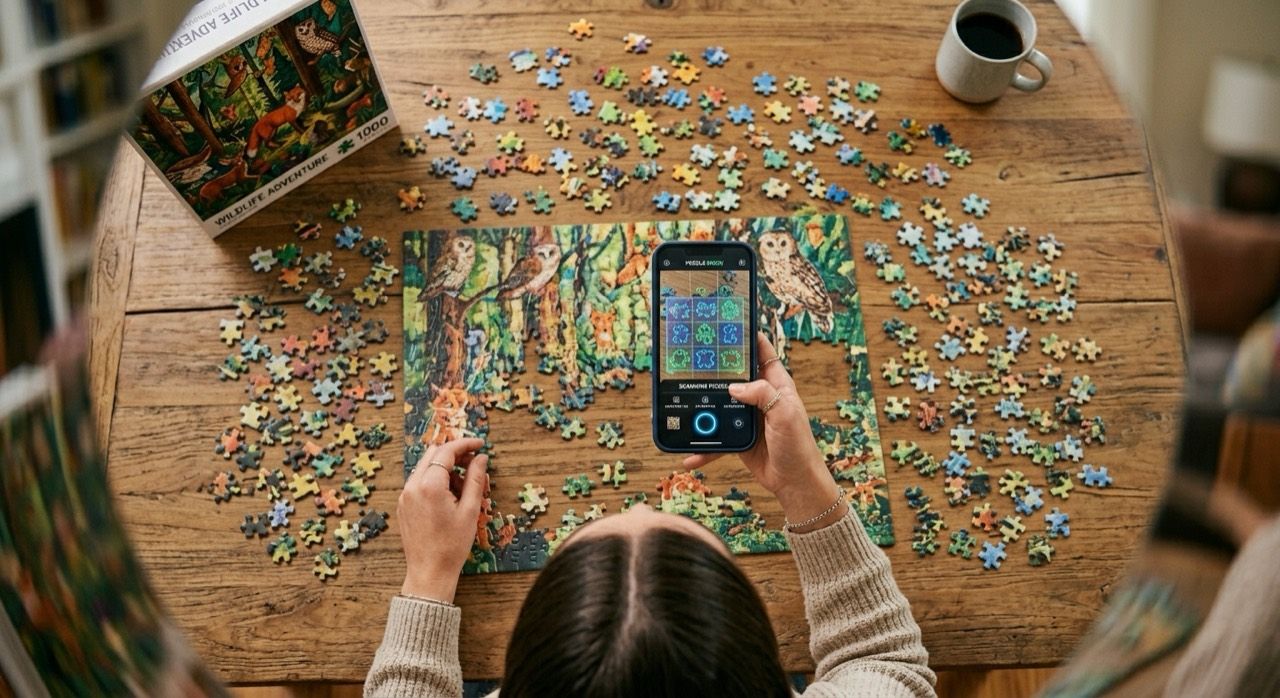
PuzPal waits for the fit to stay steady before it calls out a match.
The basic flow
PuzPal works best when you give it one good starting shape and one candidate at a time.
Start with the empty spot or loose piece that is easiest to frame cleanly.
Move one piece or one gap through the scan zone while PuzPal compares it live.
A likely match has to hold steady. PuzPal does not jump at the first flicker.
What your iPhone is doing
PuzPal uses the live camera view in front of you. It works from shape, not cloud uploads or puzzle-artwork guesses.
It looks inside the guide for one clear gap or one clear loose piece.
It traces the visible shape so it can compare the next one against it.
Full gaps and full pieces can get stronger side and corner checks.
If a result is borderline, PuzPal can use a small extra check before showing more confidence.
Best results
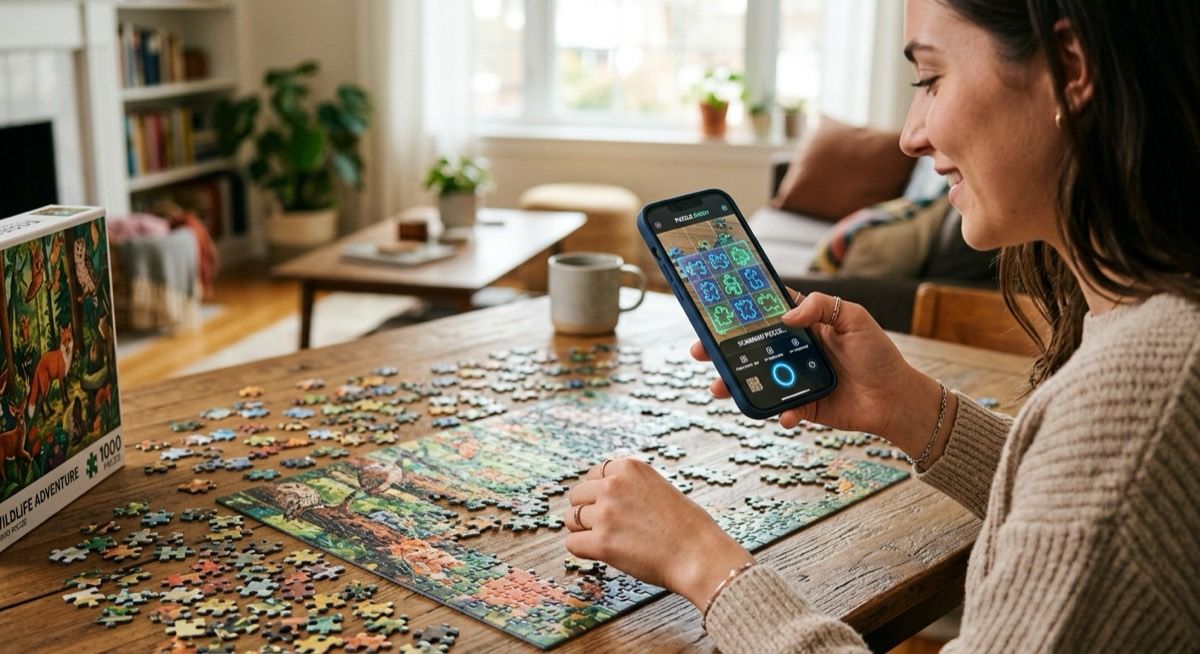
It is fast, but it still needs a clear look at the puzzle. Clean framing makes the match feel much more reliable.
Avoid piles, overlapping pieces, and crowded frames.
Clear contrast beats glare, deep shadow, and dim light.
Use it to narrow the search when a full shape is hard to capture.
Choose your starting point