
Guided capture
It works best with one clear gap or one clear loose piece.
Features
Every mode starts the same way: save one shape, then scan the other side live on your iPhone.
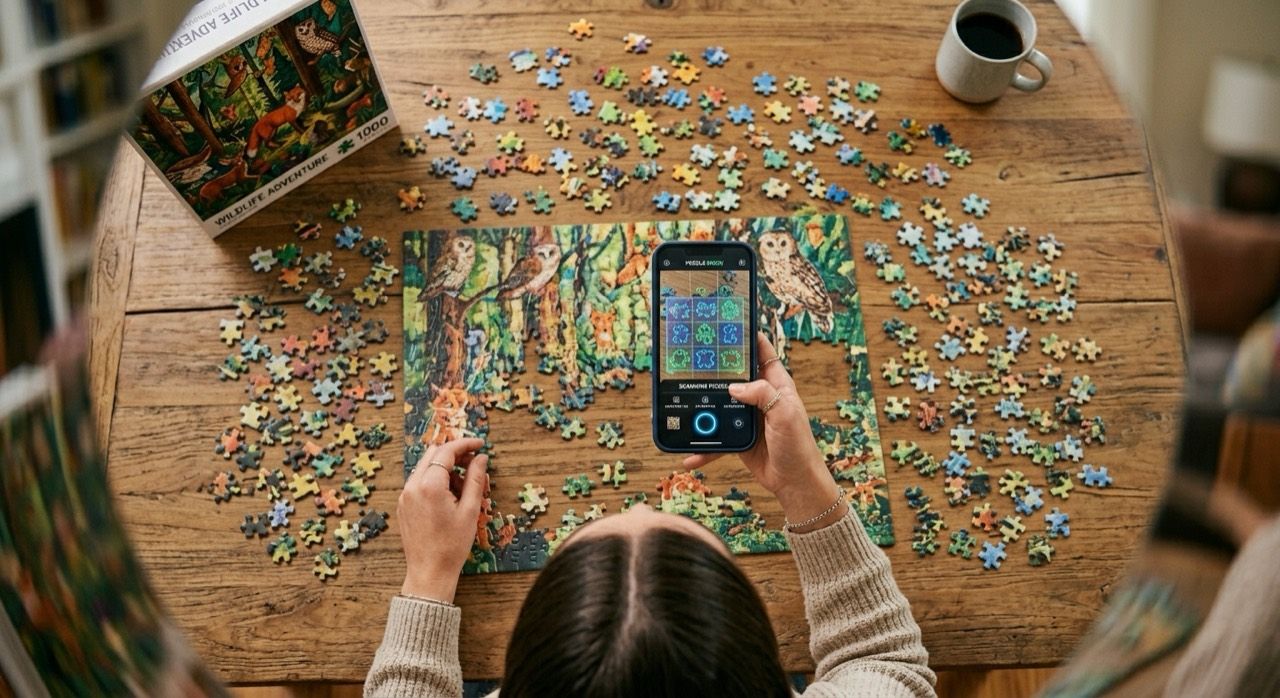
It is designed for live puzzle-table matching, not automatic solving.
It works best with one clear gap or one clear loose piece.
It starts with the outline, not puzzle artwork or color.
Full gaps and full pieces get stronger side and corner checks.
Confidence rises when the fit stays steady, not just when it flashes once.
Matching stays on your iPhone. No cloud upload needed.
Core flow 01
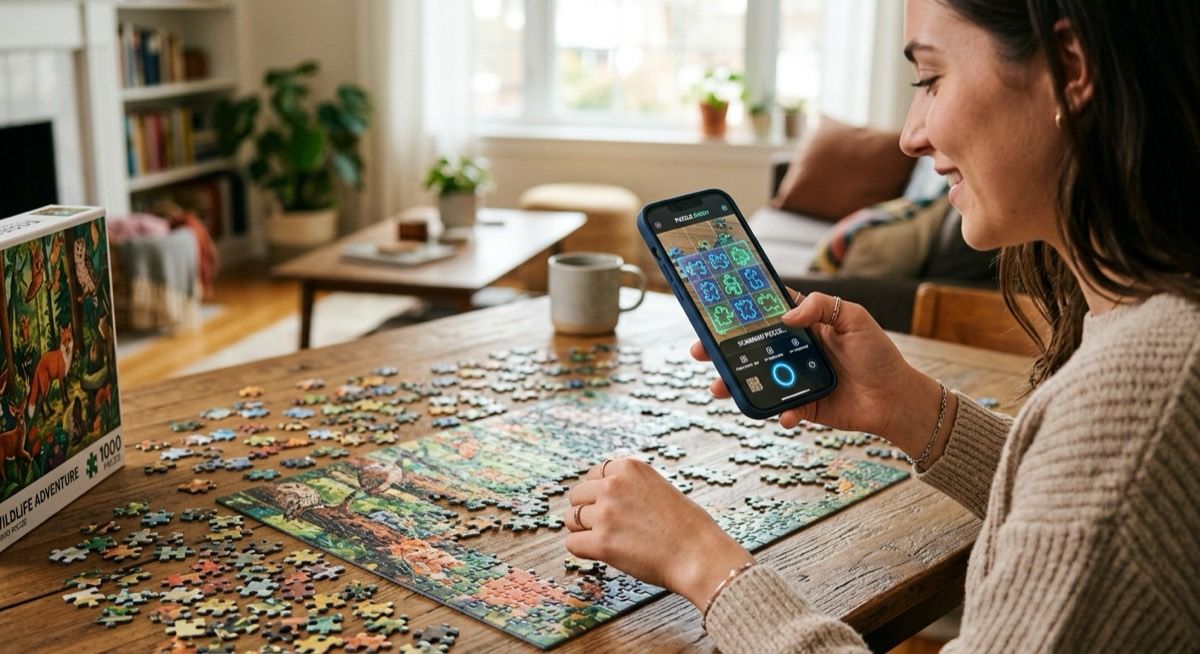
Best when the empty spot on the board is easy to frame. This is usually the strongest mode because PuzPal gets the full gap first.
If the open shape is clear, this is the quickest way to narrow the right piece.
Core flow 02
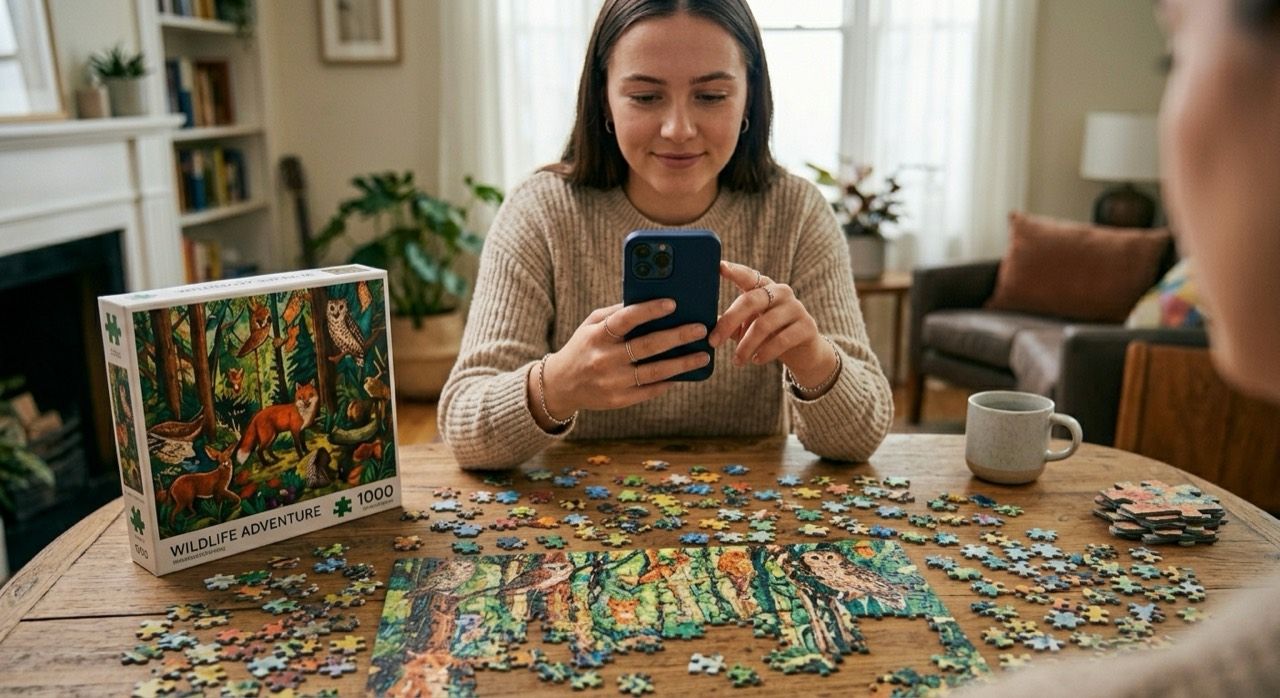
Best when the loose piece is easier to isolate than the board. Capture the piece first, then sweep the board for the right space.
Useful when the table is busy but the piece in your hand is clear.
Core flow 03
Best when a full gap will not lock cleanly. Capture one clear part of the edge, then use it to narrow likely pieces.
This is a practical fallback, not the strongest match path.
Product limits
PuzPal compares outlines first, not printed artwork.
It works best with one clear gap or one clear loose piece.
Glare, shadow, and weak contrast make matching less stable.
`Scan Edge` is a fallback, not the same confidence level as a full-shape capture.