

Scan Gap
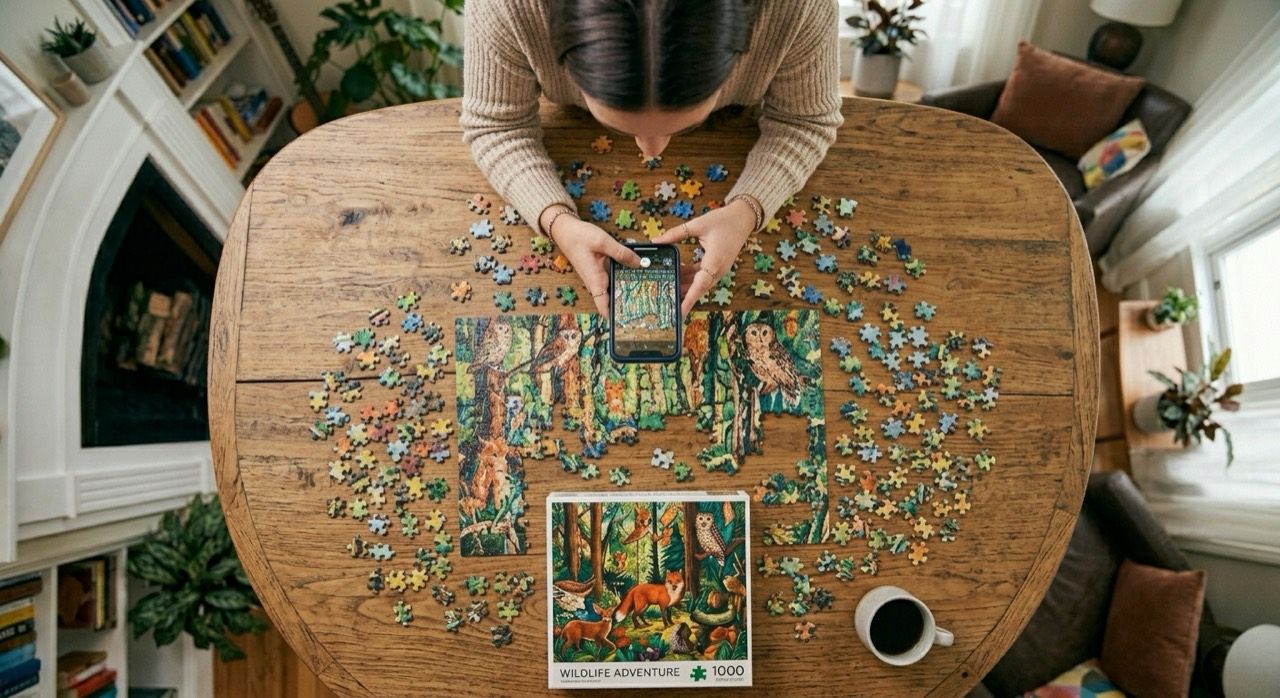
Capture the missing gap, then move loose pieces into view one at a time until a likely match appears.
Native iPhone app for jigsaw puzzles
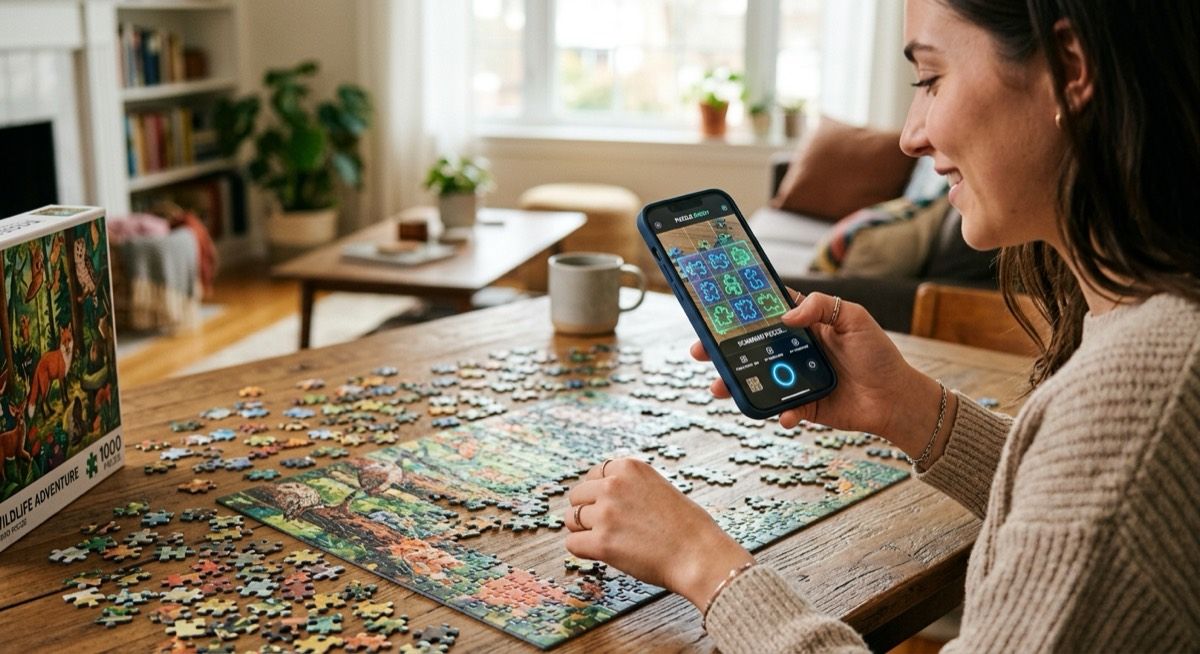
Capture a gap or a loose piece, then scan the opposite shape with real-time matching on your device.
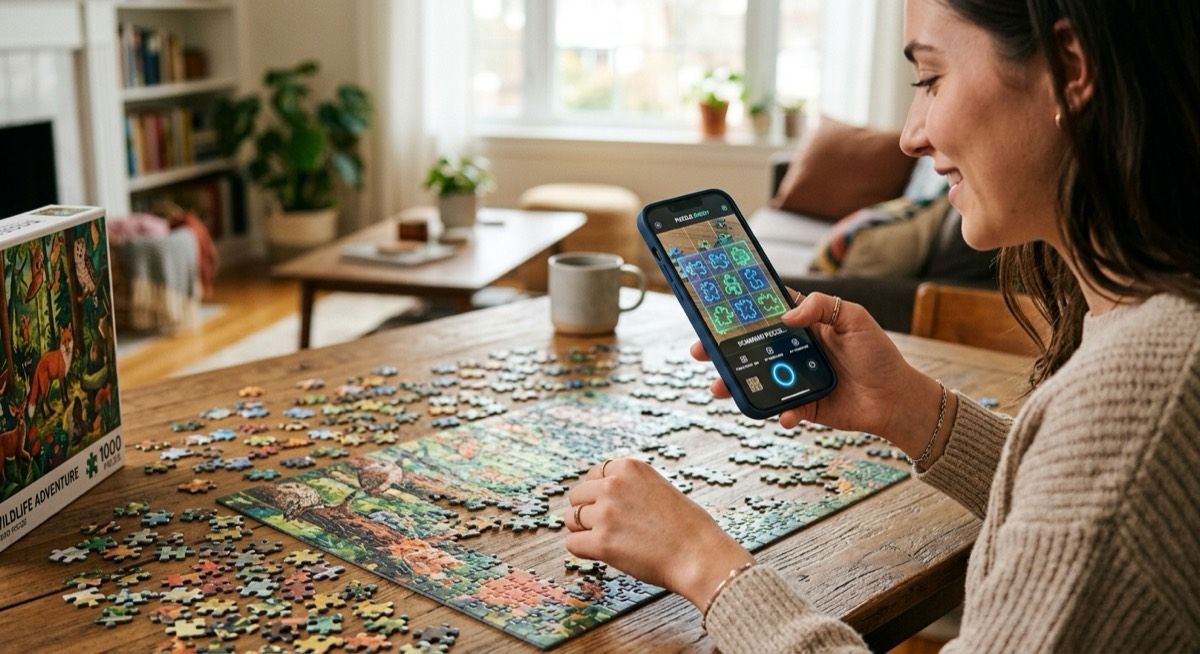
Start from the clearest shape on the table, then let the camera guide you toward the strongest likely match.
Capture the missing gap, then move loose pieces into view one at a time until a likely match appears.
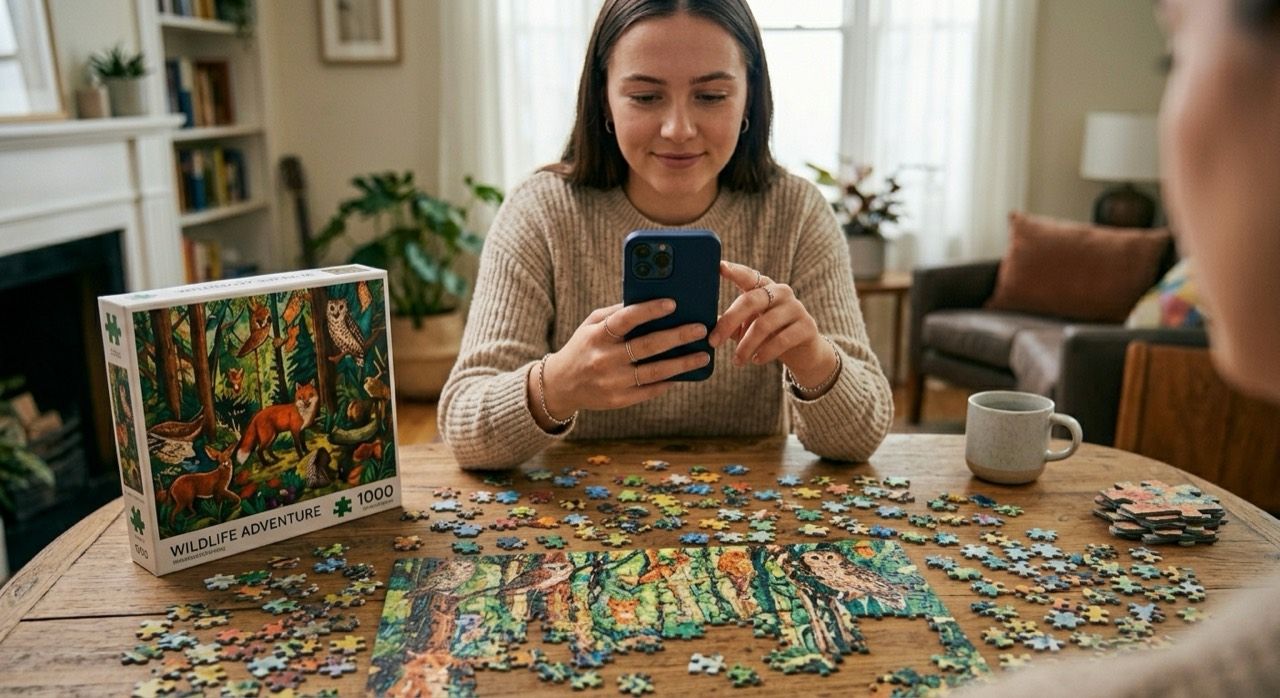
Capture the loose piece first, then scan missing gaps around the board until the right spot shows up.
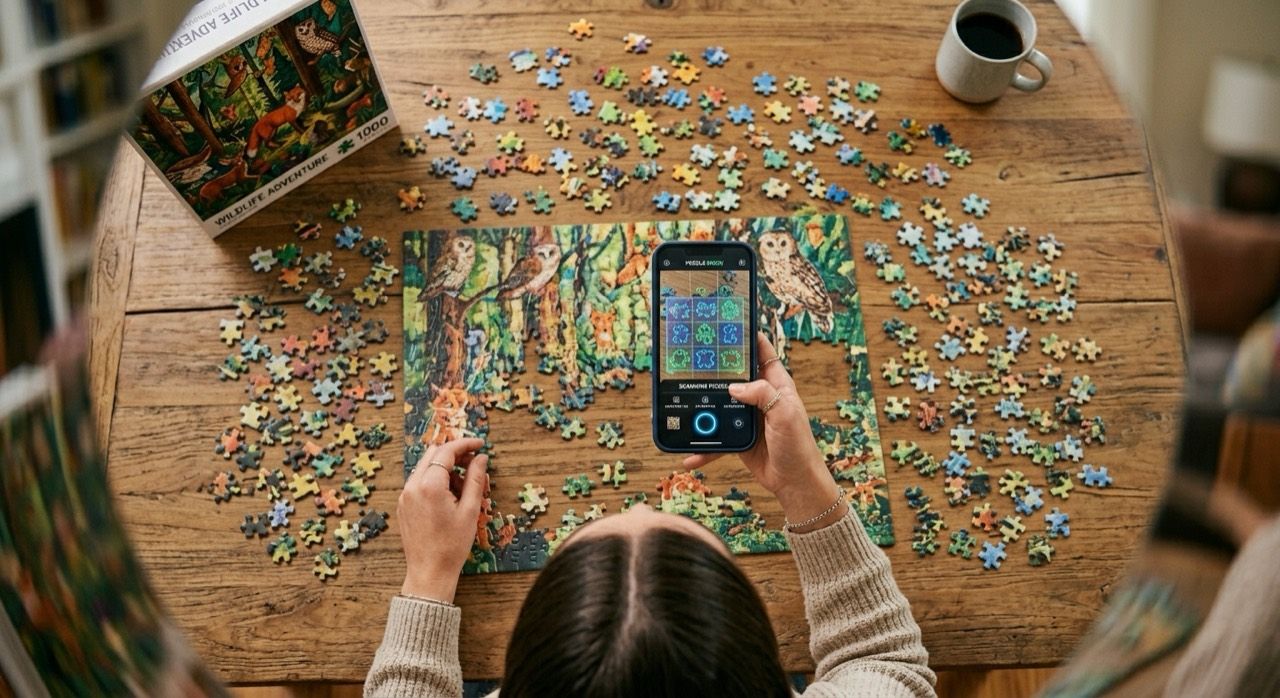
When a full gap is blocked, capture one clear edge to narrow the search. It is a fallback, not the strongest mode.
Why it feels different
PuzPal uses the live camera view to compare one gap or one piece at a time. It matches shape on your iPhone, not puzzle artwork in the cloud, so the app stays fast, private, and easy to understand.